
 EN
EN  EL
EL  DE
DE  ES
ES  HU
HU  FR
FR  PL
PL 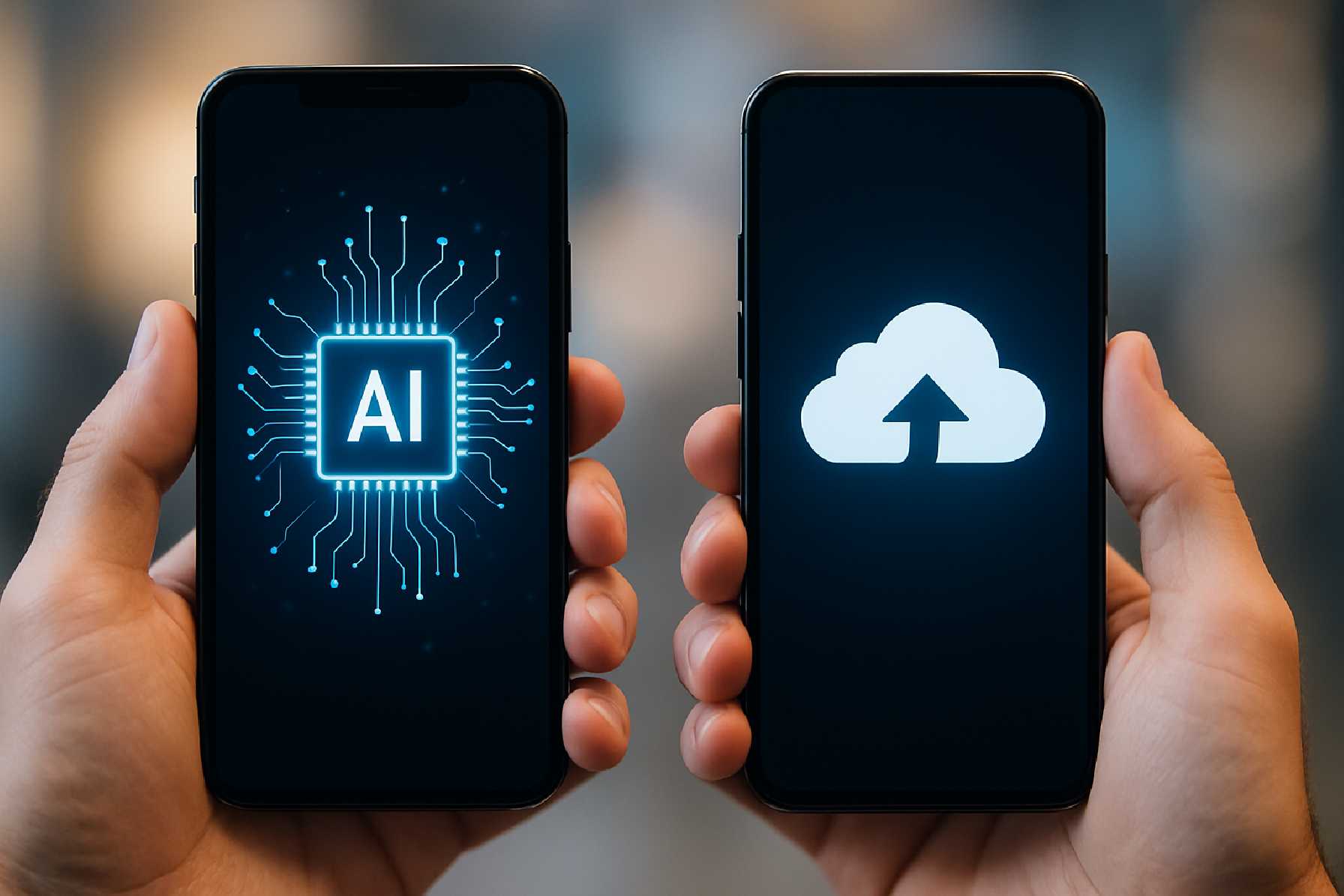
On-Device AI vs. Cloud AI in Mobile App Development: Which Approach Makes More Sense?
Artificial intelligence has moved from novelty to product requirement in many areas of mobile app development. Users now expect apps to recognize speech, personalize content, improve photos, detect fraud, summarize information, and respond intelligently in real time. For product teams, that creates a practical question long before model selection: should AI run on the device, in the cloud, or in some combination of both?
This is not a purely technical decision. It affects performance, privacy, infrastructure costs, compliance, accessibility, battery life, release cycles, and even app store review risk. In mobile application development, the AI architecture often shapes the product experience as much as the interface does.
The short answer is that neither on-device AI nor cloud AI is universally better for mobile apps. Each solves a different set of problems. The more useful answer is that teams should choose based on the job the AI needs to do, the sensitivity of user data, the expected latency, and the commercial realities of maintaining the product over time.
What On-Device AI and Cloud AI Actually Mean
On-device AI means the model runs locally on a smartphone or tablet rather than sending every request to a remote server. In practice, the computation may use the CPU, GPU, or specialized hardware such as Apple’s Neural Engine or Android devices’ NPUs and ML accelerators. Apple supports local machine learning through Core ML, while Google supports multiple on-device scenarios through Android’s ML stack and TensorFlow Lite-related tooling.
Cloud AI, by contrast, runs on remote infrastructure. The mobile app sends data to a server or API, the model processes it, and the result is returned to the device. This can be a custom backend, a managed AI service, or a large language model hosted in the cloud.
For non-engineers, the easiest way to think about the difference is this: on-device AI keeps intelligence close to the user; cloud AI keeps intelligence close to the data center.
Why This Choice Matters More in Mobile Than on the Web
Mobile apps operate under tighter constraints than most desktop or web software. Connectivity varies. Battery life matters. Devices have different chipsets and memory limits. Users expect instant interactions, but they also expect apps to respect privacy. Those pressures make the AI deployment model a product decision, not just an engineering preference.
In iOS app development and Android app development alike, teams also have to consider platform guidance. Apple has long emphasized privacy, local processing, and data minimization in many user-facing experiences. Google similarly provides guidance and tools for private, efficient on-device processing where appropriate. At the same time, both platforms support cloud-connected AI when the use case justifies it.
Where On-Device AI Has a Clear Advantage
The strongest case for on-device AI is latency. When an app must respond immediately, local processing usually wins. A keyboard suggestion engine, live camera enhancement, object detection through a viewfinder, noise suppression during a call, or wake-word detection all benefit from avoiding a round trip to the server.
This speed can directly improve user experience. If a translation app pauses while audio travels to the cloud and back, the interaction feels fragile. If a note-taking app classifies handwriting instantly on the device, the experience feels polished. In mobile product development, milliseconds often shape whether a feature feels premium or frustrating.
Privacy is the second major strength. When data does not leave the device, exposure risk is reduced. That does not make the system automatically secure, but it limits transmission, central storage, and the scope of some compliance burdens. This matters for health information, financial activity, biometric processing, and children’s apps, where data handling is closely scrutinized.
There is also an offline advantage. Mobile users lose connectivity constantly: on subways, in rural areas, on airplanes, and in congested venues. On-device AI can preserve core functionality when the network fails. For field-service apps, travel tools, or enterprise mobility products used in low-connectivity settings, this can be more than a convenience.
Cost is another factor. Cloud inference can become expensive at scale, especially for high-frequency features. A model running locally may increase development complexity, but it can reduce ongoing server costs per interaction. For a product with millions of repeated AI actions per day, this changes the economics.
Where On-Device AI Runs Into Limits
On-device AI is not free intelligence. Mobile hardware is improving quickly, but it is still constrained. Large models require memory, storage, and sustained compute. That can affect app size, launch times, thermal performance, and battery usage.
This is particularly important in cross-platform app development, where teams have to support a fragmented device landscape. A model that runs comfortably on a high-end phone may struggle on older Android devices or budget handsets with limited RAM. Performance testing must reflect the actual device mix of the audience, not just flagship hardware in the lab.
Updating models can also be harder. If a model is bundled with the app, shipping improvements may require an app update, which depends on user adoption and app store distribution. Some architectures support downloading updated models after installation, but that adds complexity around versioning, compatibility, and security.
And while on-device AI supports privacy, it may limit observability. Product teams often rely on analytics, feedback loops, and centralized monitoring to understand model quality. Local execution can reduce visibility unless the telemetry strategy is carefully designed with user consent and regulatory requirements in mind.
Where Cloud AI Still Leads
Cloud AI remains the better choice for tasks that need heavy computation, large models, broad context, or frequent updating. This is especially true for generative AI, advanced recommendation systems, complex ranking engines, multi-step document analysis, and many large language model applications.
If a mobile app offers AI-powered customer support, long-form summarization, code generation, or deep semantic search across large knowledge bases, cloud processing usually makes more sense. These systems often depend on model sizes and external data sources that are unrealistic to package on a phone.
Cloud AI also makes iteration easier. Teams can update prompts, fine-tune behavior, change model providers, patch failures, and run experiments without waiting for users to install a new app version. For many digital products, that operational flexibility is a decisive business advantage.
Centralized AI can also support consistency. In custom mobile app development for enterprises, companies often want one model behavior across mobile, web, and internal tools. Running intelligence in the cloud helps enforce common policies, logging, quality controls, and access management.
The Trade-Offs Behind Cloud AI
The cloud’s main weakness is dependency. If the network is weak or unavailable, the feature can degrade or fail. Even with solid infrastructure, latency can vary by geography, device conditions, and backend load. In user-facing mobile software development, unpredictable delay is often more damaging than uniformly slower local performance.
Privacy and compliance become more complicated as well. Once user data is sent off-device, developers must think carefully about encryption, retention, third-party processors, regional storage, and lawful basis for processing. Requirements may differ depending on the product’s market and data category. The legal details vary, but the product implication is simple: cloud AI increases governance work.
There is also vendor risk. If an app depends on a third-party AI API, the product inherits external pricing changes, rate limits, model updates, service outages, and shifting terms. That does not rule out cloud AI, but it does mean app development companies and internal teams should evaluate the long-term operating model, not just the prototype experience.
Real-World Patterns: Most Mobile Apps End Up Hybrid
In practice, many successful apps use both approaches. They run time-sensitive or privacy-sensitive tasks locally and send more demanding workloads to the cloud. That architecture has become increasingly common because it matches how users actually interact with mobile products.
A camera app is a straightforward example. It may use on-device AI for face detection, exposure optimization, and background segmentation during preview, but rely on cloud services for larger-scale media organization or generative editing tools. A finance app may use local biometric checks and anomaly detection for immediate interactions, while running broader fraud models in the cloud where more transaction history is available.
This hybrid pattern is often the most practical answer in modern mobile app development. It allows teams to protect the user experience where immediacy matters and still take advantage of cloud-scale intelligence where complexity matters more.
How to Decide: Start With the User Journey, Not the Model
One common mistake in the app development process is choosing the AI architecture based on what seems technically impressive. A better method is to map the feature against a few concrete questions.
Does the result need to appear instantly? Does the feature need to work offline? Is the data highly sensitive? Will the model require frequent updates? Does the task depend on a large external knowledge base? What percentage of the target audience uses older devices?
Those questions usually bring clarity quickly. If the feature is live transcription for a medical note-taking app used in unstable network conditions, on-device processing or a hybrid fallback deserves serious attention. If the feature is a shopping assistant that combines customer history, inventory, and a large language model, cloud AI may be the more realistic path.
Business Considerations Product Teams Often Underestimate
From a product management perspective, the AI location changes the cost structure. On-device AI may require more optimization work upfront, more device testing, and more specialized machine learning engineering. Cloud AI may simplify the client app but introduce recurring infrastructure and API costs that grow with usage.
That matters when estimating app development cost. A feature that looks cheap in an early prototype can become expensive if every user interaction calls a remote model. Conversely, a local model can look efficient in the long run but demand a heavier investment in model compression, hardware-aware optimization, and QA across devices.
Maintenance also differs. Cloud systems are easier to patch centrally. On-device systems can be more resilient operationally because they reduce backend dependency, but updates may be slower to propagate. Mobile app developers and product owners need to budget for the maintenance style their architecture creates.
Security, Privacy, and Regulation Are Not Side Issues
Security discussions around AI are often framed too narrowly. It is not only about whether a model can be attacked. In mobile apps, the broader issue is how data moves, where it is stored, and how much of it is necessary.
On-device AI supports the principle of data minimization because some tasks can be completed without transmitting raw user input. That may help with privacy expectations and reduce exposure. But local processing still requires secure storage, safe model packaging, and defenses against reverse engineering where relevant.
Cloud AI expands the security perimeter. Data in transit and at rest must be protected. Access controls, logging, incident response, and vendor assessment become more important. For regulated sectors, these concerns may shape architecture as much as model quality does.
Performance Is About More Than Speed
App teams often treat performance as a latency metric, but mobile performance is broader. Battery drain, thermal throttling, app size, memory consumption, and responsiveness under poor connectivity all matter.
On-device AI can deliver immediate responses while increasing power usage. Cloud AI can keep the app lighter while introducing network delay. The right answer depends on the usage pattern. A feature used once a week can tolerate more delay than one used continuously for 30 minutes.
For mobile app design, this is critical. AI should not degrade the core interaction. A technically impressive feature that overheats the device or stalls the interface will not feel intelligent to the user.
What This Means for Teams Building New Apps in 2026 and Beyond
The direction of the market is clear even if the exact balance will vary by product: more capable on-device models, more specialized mobile silicon, and more hybrid architectures. Apple and Google continue to invest in local AI tooling and hardware acceleration, while cloud providers keep expanding access to powerful hosted models. The result is not a winner-take-all market. It is a broader design space.
For app development companies, internal product teams, and founders planning new products, the practical implication is straightforward. AI strategy should be decided early, alongside platform architecture, privacy design, and monetization assumptions. It should not be bolted on after the interface is finished.
The strongest teams now evaluate AI features the same way they evaluate authentication, payments, or search: as core product systems with lasting technical and business consequences.
A Practical Comparison
| Consideration | On-Device AI | Cloud AI |
|---|---|---|
| Latency | Usually faster and more predictable for real-time tasks | Depends on network quality and server response time |
| Offline use | Can continue working without connectivity | Typically limited or unavailable offline |
| Privacy | Reduces data transmission and may support data minimization | Requires stronger governance for transmitted and stored data |
| Model complexity | Best for smaller, optimized models | Better for larger and more computationally demanding models |
| Update flexibility | Can be harder to update broadly if bundled in the app | Easier to update centrally and iterate quickly |
| Operating cost | May reduce recurring inference costs | Can create ongoing API or infrastructure expense |
| Device variability | Performance may vary significantly across handsets | More consistent computation environment on the server side |
| Best fit | Real-time, private, offline, or frequent interactions | Large-model, data-rich, frequently updated, or cross-channel services |
Questions Readers Should Ask Before Choosing
Before committing to one architecture, product teams should test their assumptions against a few practical questions:
- Which AI features must work instantly, and which can tolerate network delay?
- How sensitive is the user data involved, and can the task be completed without sending raw inputs to a server?
- What does the real device mix look like across our target users, especially older Android phones or lower-memory devices?
- Will this feature require frequent model or prompt updates after launch?
- What will the feature cost to operate at scale if usage grows faster than expected?
The Bottom Line
For mobile apps, on-device AI is not better than cloud AI in general. It is better for specific things: low latency, offline support, privacy-sensitive processing, and high-frequency interactions. Cloud AI is stronger where scale, complexity, centralized control, and rapid iteration matter more.
That is why the most credible answer in mobile application development is often a measured one. Use on-device AI when the user experience depends on immediacy or privacy. Use cloud AI when the problem exceeds the realistic limits of the handset. Use both when the product needs the strengths of each.
The real competitive advantage does not come from choosing the trendier architecture. It comes from matching the AI deployment model to the actual needs of the app, the business, and the user.