
 KO
KO  IT
IT  DE
DE  FR
FR  PL
PL  EN
EN 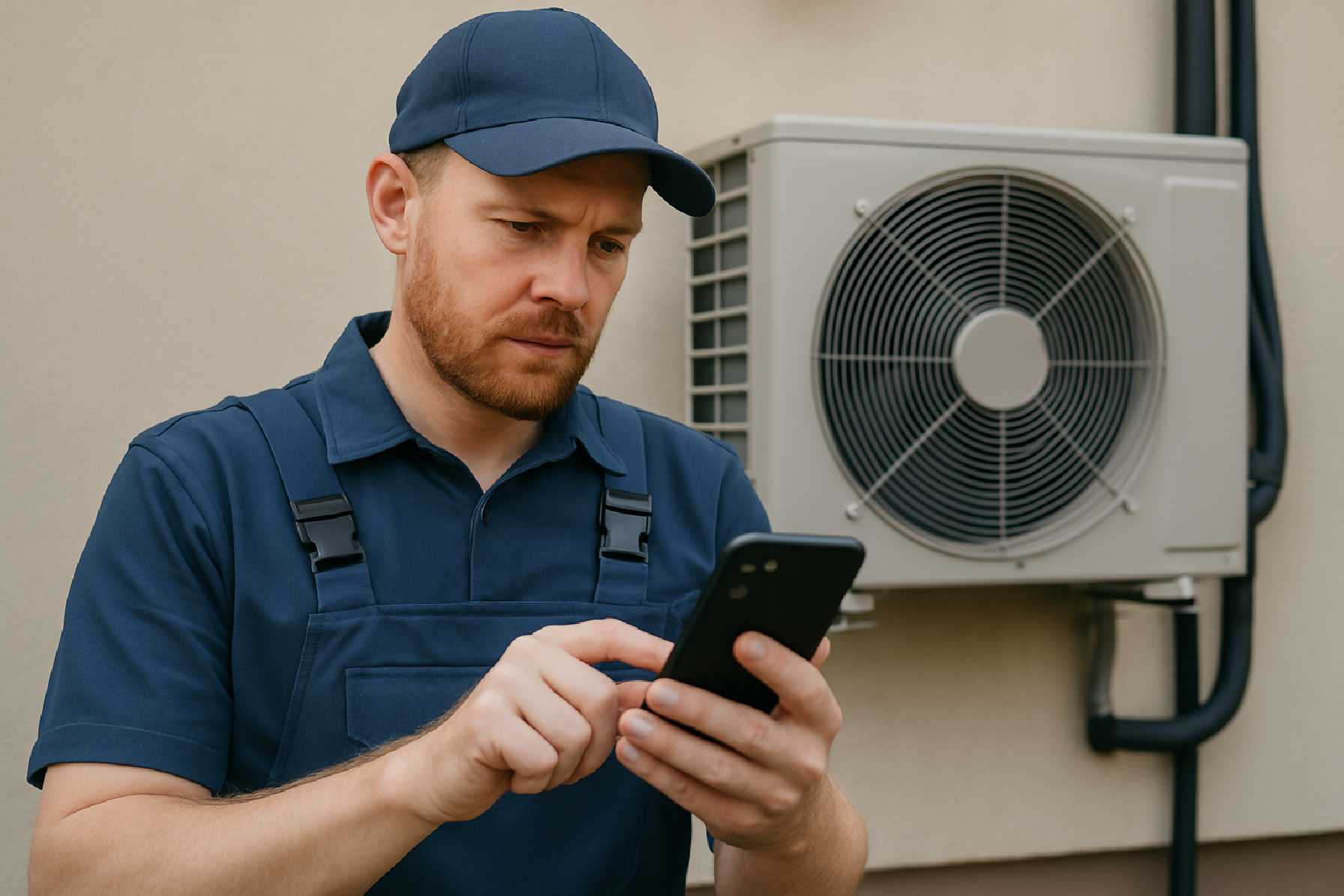
Mobile App Development for Technicians: How Field Service Apps Improve Speed, Accuracy, and Customer Experience
Field service has always been a business of motion. Technicians move between homes, job sites, warehouses, and industrial facilities, often under time pressure and with incomplete information. That operating model leaves little room for paper-based workflows, delayed updates, or disconnected systems. In practice, the quality of a field service operation increasingly depends on the quality of its software.
That is why mobile app development for technicians has become a strategic priority across industries such as HVAC, utilities, telecom, medical equipment, facilities management, and industrial maintenance. A well-designed technician app can reduce wasted travel, shorten repair cycles, improve documentation, and give customers better visibility into what is happening and when.
The opportunity is not theoretical. MarketsandMarkets projected that the global field service management market would reach $5.1 billion by 2025, growing at a compound annual rate of 16.2% from 2020. That growth reflects a larger shift: field teams now need real-time access to schedules, job histories, inventory, manuals, and customer data in the same way office staff have long relied on enterprise software.
For companies evaluating mobile app development, technician tools are a useful case study because they sit at the intersection of product design, operational efficiency, security, and systems integration. They are not consumer apps in a different skin. They solve different problems, operate in harsher conditions, and succeed only when they match the realities of field work.
Why Technician Apps Matter More Than Standard Business Mobile Tools
A technician app is not just a smaller version of a desktop dashboard. Field work creates constraints that shape the entire app development process.
The user may be standing outdoors in direct sunlight, wearing gloves, climbing equipment, or working in a basement with poor connectivity. They may need to capture a signature, photograph a damaged part, check a maintenance history, request a replacement item, and close a job while the customer is watching. Every extra tap matters. Every delay creates friction. Every missing record can trigger repeat visits and back-office cleanup.
That is why mobile product development in this category tends to focus on operational clarity rather than visual novelty. The best technician apps reduce decision fatigue. They tell the user what job is next, what parts are needed, what steps must be documented, and what information must be collected before the work order can be closed.
When that works well, the gains spread beyond the technician. Dispatch teams get better visibility. Finance gets cleaner records. Managers get more reliable performance data. Customers get faster service and more accurate arrival windows.
The Business Case: Faster Work, Better Service, Fewer Manual Errors
The source material points to several concrete benefits, and they align with common field service priorities.
1. Efficiency improves when information moves with the technician
ServiceMax reported that its mobile app helped customers reduce work order resolution time by up to 50%. Results vary by implementation, but the underlying logic is straightforward. If technicians can receive job details, route guidance, service history, and inventory information on a mobile device, they spend less time calling dispatch, returning to the office, or re-entering handwritten notes.
In practical terms, the features that usually matter most are not exotic. They include real-time scheduling, work order management, route optimization based on GPS, and digital inventory tracking. For a plumbing, HVAC, or telecom operation, these basics can remove entire layers of administrative drag.
Consider a common scenario: a technician arrives on site and discovers that the issue is linked to a component replaced six months earlier. If the service history is available in the app, the technician can verify the previous repair immediately, check whether the part is under warranty, and decide whether to repair, replace, or escalate. Without that access, the same visit may stall while someone in the office searches records.
2. Customer service improves when communication is built into the workflow
Aberdeen Group found that companies using mobile field service apps saw a 17% increase in customer satisfaction rates. That outcome makes sense because one of the biggest sources of customer frustration in field service is uncertainty. People do not just want a technician to arrive; they want to know when, why, and what happens next.
Technician apps can support that expectation by enabling live status updates, in-app communication, and media sharing for remote diagnostics. A photo or short video taken on site can help a supervisor confirm a diagnosis or help a customer understand why a part needs to be replaced. That reduces misunderstandings and can shorten approval cycles.
There is also a reputational benefit. An organization that communicates clearly often appears more competent, even before the job is complete. In service businesses, that perception matters.
3. Technician satisfaction often rises when the app actually reduces friction
Field Technologies Online reported that 70% of technicians said job satisfaction increased after mobile field service apps were implemented. That does not mean every rollout is popular. In many organizations, technicians resist software that adds reporting requirements without helping them work faster.
The lesson is important for any app development company or internal product team: field software succeeds when users see immediate value. If the app helps technicians avoid duplicate paperwork, find manuals quickly, document work once, and finish jobs with fewer callbacks, adoption improves. If it feels like a surveillance tool disguised as productivity software, adoption suffers.
What Good Mobile Application Development for Technicians Requires
Many field service apps fail for familiar reasons. They are built around office assumptions, overloaded with features, or launched before offline use and integration issues are solved. For this category, product discipline matters more than feature volume.
User experience must be designed for the field, not the conference room
Usability is the foundation. Buttons must be easy to tap. Screens must load quickly. Navigation must remain clear even when the user is under pressure. Forms should ask only for information that is actually needed, and required steps should be obvious.
The source text cites Salesforce Field Service Lightning as an example of field testing leading to a 35% reduction in training time for new users. Whether a team is building for iOS app development, Android app development, or a shared cross-platform app development stack, the principle is the same: test with real technicians in realistic conditions.
That means observing use in vans, plant rooms, rooftops, customer living rooms, and low-signal environments. A polished prototype reviewed in an office cannot reveal the same problems.
Offline capability is a requirement, not a premium feature
In technician software, network reliability cannot be assumed. Basements, rural areas, industrial sites, and large facilities routinely create weak or inconsistent connections. If the app becomes unusable the moment signal drops, it is not fit for purpose.
ProntoForms is cited in the source material as having implemented strong offline functionality, producing a 25% increase in field data accuracy and a 40% reduction in data entry time for clients. The broader takeaway is that offline support must be planned early in mobile software development, not added at the end.
That affects architecture. Teams need to decide which data must be stored locally, how synchronization will work when connectivity returns, and how the app should handle conflicts if records are updated in more than one place. These are product and engineering decisions, not just infrastructure details.
Security should match the risk and the data involved
Technician apps often handle customer addresses, asset histories, maintenance logs, signatures, photos, and sometimes billing or contractual information. In some industries, they may also touch regulated data. As a result, security cannot be treated as a generic checklist.
The source material highlights three widely accepted practices: end-to-end encryption for data transmission, multi-factor authentication, and remote wipe for lost or stolen devices. These are sensible controls, but they are still only part of the picture.
Good custom mobile app development in this area also considers role-based access, secure session handling, audit trails, device management policies, and the trade-off between strict access controls and fast field usability. Formal compliance requirements depend on the industry and jurisdiction, so teams should distinguish between standard security best practices and legally mandated controls.
Integration often determines whether the app creates value or extra work
A technician app should not become another data silo. Its usefulness depends heavily on how well it connects to existing systems such as CRM, ERP, scheduling tools, inventory platforms, and customer support software.
The source text points to Carrier’s integration of a technician app with SAP ERP, which reportedly led to a 30% reduction in back-office processing time and a 20% increase in first-time fix rates. Those outcomes illustrate a familiar pattern: when dispatch, parts, customer records, and service reporting are connected, the field team makes better decisions and the office spends less time correcting data after the fact.
Integration, however, is usually one of the most complex parts of the app development process. Legacy systems may lack modern APIs. Data models may not match. Real-time sync may not be possible for every workflow. This is one reason app development cost and delivery timelines vary so widely. The core app interface may be relatively straightforward; the operational plumbing behind it often is not.
Scalability and customization should be guided by real operating needs
Field service organizations evolve. They add territories, subcontractors, product lines, and compliance requirements. A technician app therefore needs room to grow, but that does not mean every team should build a highly customized platform from day one.
The source material notes the rise of low-code and no-code tools, citing OutSystems and a reported 60% reduction in development time for field service apps. These platforms can be useful for rapid internal application development services, workflow changes, and administrative tooling. They may be especially valuable when a company needs to digitize forms and approvals quickly.
Still, there are trade-offs. Low-code tools can speed delivery, but they may limit flexibility, complicate highly specialized offline scenarios, or create long-term dependency on a vendor’s architecture. Native or more custom-built approaches may take longer but can offer greater control over performance, device features, and complex integration logic. There is no universal winner; the right choice depends on workflow complexity, internal capabilities, and long-term product strategy.
Platform Choice: Native, Cross-Platform, or Mixed?
For technician apps, platform selection should follow operational reality rather than ideology.
If a company standardizes on one device type and needs deep device integration, native development can make sense. Native iOS app development or Android app development may offer tighter control over performance, hardware access, and platform-specific behavior. That can matter when scanning, camera usage, background synchronization, or rugged-device support is central to the workflow.
Cross-platform app development can be attractive when teams need to support both iOS and Android while keeping one shared codebase for much of the product. This may reduce some development overhead and simplify feature parity across platforms. The trade-off is that certain platform-specific behaviors, edge-case performance issues, or advanced device capabilities may require additional engineering effort.
In practice, many organizations use a mixed model: a shared application layer where possible, with platform-specific work where necessary. The right decision should reflect the device fleet, offline requirements, expected lifespan of the app, internal engineering expertise, and the cost of ongoing maintenance.
A Concrete Example: What Changed for an Air Conditioning Service Team
The source material includes a case study from a leading air conditioning company that launched a custom app for its field service team. According to the reported results, response times fell from 24 hours to 6 hours, customer satisfaction rose from 70% to 85%, and overall service costs dropped by 20%.
Even without more technical detail, the significance is clear. Those numbers suggest that the app did more than digitize forms. It likely changed how information was dispatched, captured, and acted upon across the service cycle.
That is an important distinction. The best technician apps do not merely replace paper. They reorganize work. They reduce waiting, remove duplicate handling, and make field decisions visible to the rest of the business in near real time.
Where the Market Is Going Next
Several trends in mobile application development are likely to shape the next generation of technician apps, though each should be approached with realism rather than hype.
The first is AI-assisted scheduling and maintenance planning. Gartner predicted that by 2025, 50% of field service management deployments would include AI-driven scheduling optimization. In practical terms, this can help dispatch systems assign jobs more efficiently based on travel time, technician skills, urgency, and availability. The value is often in narrowing options and improving planning quality, not in replacing human judgment entirely.
The second is augmented reality. Platforms such as Vuforia have shown how AR can support training and remote assistance by overlaying instructions or equipment information in the technician’s field of view. This can be useful for complex equipment or less experienced technicians, but adoption depends on hardware practicality, training quality, and the actual complexity of the service environment.
The third is IoT integration. McKinsey has suggested that IoT-enabled predictive maintenance can reduce maintenance costs by up to 40%. For technician apps, the most meaningful use case is proactive service: connected equipment sends condition data, potential issues are identified earlier, and technicians arrive with more context. The limitation is that this requires far more than an app. It depends on sensor quality, connected infrastructure, and reliable asset data.
Summary of the Main Decisions
| Area | Why It Matters | Practical Consideration | Main Risk if Ignored |
|---|---|---|---|
| User experience | Technicians work under pressure and in difficult environments | Test with real users on actual job sites | Low adoption and longer training time |
| Offline functionality | Field connectivity is often unreliable | Design local data storage and sync logic early | Work stoppages and incomplete records |
| Security | Apps may hold sensitive customer and asset data | Use authentication, encryption, and device controls appropriate to the risk | Data exposure and operational disruption |
| Integration | Value depends on connected workflows across systems | Assess ERP, CRM, inventory, and API constraints early | Duplicate work and inconsistent data |
| Platform strategy | Device support affects cost, performance, and maintenance | Choose native, cross-platform, or mixed based on actual use cases | Higher long-term cost or poor device fit |
| Scalability | Field operations often grow and change over time | Balance speed of delivery with flexibility for future workflows | Expensive rebuilds or rigid processes |
Questions Readers Should Ask Before Building a Technician App
Before starting a technician-focused mobile software development project, decision-makers should ask a few direct questions:
- Which field workflows create the most delay today: scheduling, diagnosis, parts management, reporting, or customer communication?
- How often do technicians work in low-connectivity environments, and what data must remain usable offline?
- Which existing systems must the app integrate with from the start, and which integrations can be phased later?
- Are we choosing a platform approach based on real device and workflow needs, or simply on internal preference?
- How will we measure success after launch: faster response times, higher first-time fix rates, cleaner records, lower service costs, or improved customer satisfaction?
The Real Standard for Success
Technician apps are often discussed as digital transformation projects, but the more useful way to see them is as operational infrastructure. Their job is to help people in the field do accurate work faster, with less confusion and better support from the rest of the business.
That makes mobile app design especially important. The product must be simple without being shallow, secure without becoming obstructive, and connected without becoming fragile. It must also be maintainable. Field operations change, and any technician app worth investing in will need updates, analytics, testing, and product ownership long after the initial release.
The strongest field service apps tend to share the same qualities. They are built around real workflows, not generic templates. They account for offline use, integration complexity, and role-specific access. They support technicians without overwhelming them. And they are judged not by how modern they look in a demo, but by whether they reduce delays, improve service quality, and stand up to daily use in the real world.
As field service operations become more data-driven and customer expectations continue to rise, mobile app development for technicians is no longer optional infrastructure for ambitious companies. It is becoming a baseline capability. The organizations that treat it as a serious product and engineering challenge, rather than a simple digitization exercise, are more likely to see lasting results.